This blog post was written for our Pharmacy SEO service.
Saturday morning, and the phone rings. Someone is standing outside the closed shutters because your Google listing says you open half an hour earlier than you actually do. You try to explain you have changed your hours, but that is not much help to a patient in the rain. If your pharmacy Google Maps listing is not up to date, you will spend more time clearing up confusion than running your pharmacy.
Claim your pharmacy listing so patients see the right details
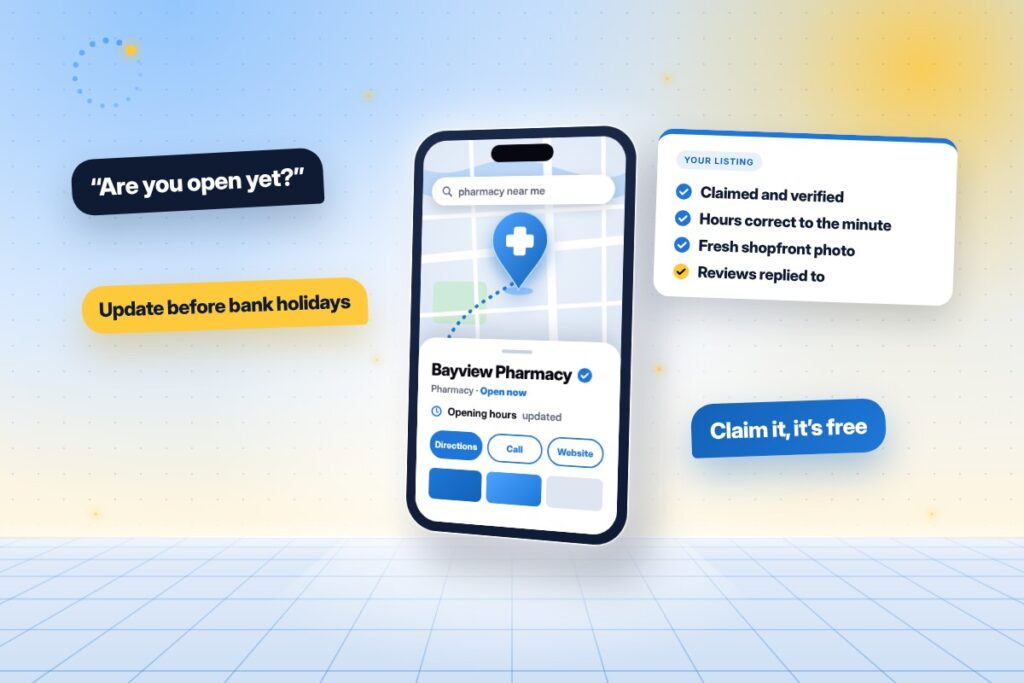
Most independent pharmacies appear on Google Maps automatically. The problem is, many listings are not claimed by the current owner. If you have not claimed your listing, you cannot control the information patients see. Claiming only takes a few minutes if you have a Google account and access to your pharmacy’s phone or post for the verification code. If you have never done this, start here. Patients check these listings all the time, so you need to be in charge of yours.
Update your pharmacy details and photos regularly
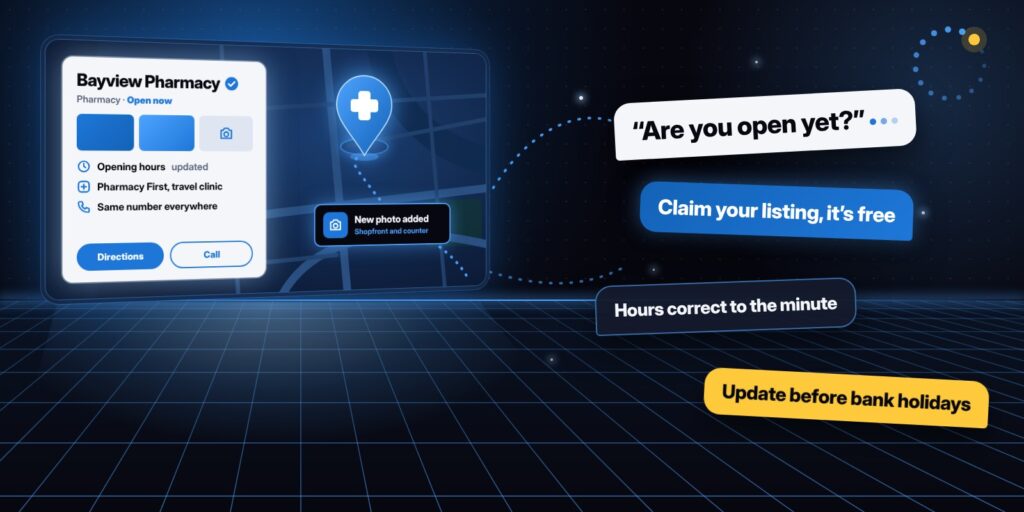
People usually check Google before visiting any business, and your pharmacy is no exception. Patients want to know Pharmacy First opening hours, vaccination clinics, travel consultations, and see a photo that reassures them they are in the right place. When you put up a new window display or repaint your shopfront, take a fresh picture and upload it. Add a photo of your counter too. It does not need to be fancy, just clean and welcoming. Go through your details line by line. Your phone number should match what is on your prescription bags and the NHS website. Your address and opening hours should be correct to the minute. Small discrepancies cause big headaches.
Keep your listing accurate as your services change
Pharmacy life changes often. Bank holidays, new services, staff changes. Your pharmacy Google Maps listing should reflect what is happening now. If you add a travel clinic, update your listing so patients know. If Pharmacy First hours change for the holidays, update that too. A quick photo of the new display or counter keeps things looking current. Patients notice when listings are looked after. If someone leaves a review or question, reply to it. Even a short answer shows there is a real team behind the counter.
We look after websites, marketing and print for UK pharmacies, from one dedicated team.
Make updates part of your daily routine
Keeping your listing fresh does not need to be another job you dread. Tie it to something you already do. If you are updating your NHS website, check Google at the same time. Ordered new signage? Make sure the phone number matches everywhere. Ask your staff to mention if something changes, like a new till number or a fresh window display. Uploading a quick photo from your phone takes less than a minute. Small steps like these help prevent calls from lost or confused patients.
- Update opening hours on Google before bank holidays or if Pharmacy First times change.
- Add new photos after a window display refresh or when the counter area has been tidied or reorganised.
- Check the phone number matches the one printed on prescription bags and on your NHS profile.
Get support if you want to do more
Managing your pharmacy Google Maps listing is mostly common sense, but you do not have to do it all yourself. Agencies like Pharmacy Digital include essential SEO with every website we build, and we often advise on making your website and Google listing work together. Regular improvements help more local people find you and understand what you offer. A little effort now can save you explaining directions, hours or services over the phone later.
If you want a second opinion on how your website and listing are working, you can always request a free pharmacy website review. Or read more about our pharmacy website design service for practical ideas that actually fit pharmacy life.
Common questions
How long does it take for my pharmacy to appear on Google Maps after claiming?
Usually just a few days, once Google verifies your ownership and any details you have updated.
Do I need to pay to get my pharmacy listed on Google Maps?
No, creating and managing a Google Business Profile is completely free.
What if my pharmacy is already listed but with the wrong details?
You can claim the listing and update the information, or suggest edits if you do not yet have control.
Can I add specific pharmacy services to my Google Maps listing?
Yes, you can list services like consultations, travel clinics or Pharmacy First to show patients what you offer.
Talk to us about pharmacy SEO
If you want help sorting your website and Google Maps listing so patients can actually find you, our Pharmacy SEO service is built for real independent pharmacies. Get in touch with our team for a straight answer and practical advice.
This article is general marketing and design guidance only. For regulatory or clinical matters, check official sources.
No hard sell, just a straight answer about what would help your pharmacy.

Daniel has 12 years in design and set up Pharmacy Digital to give pharmacies marketing and websites that actually work.
Chat with me on WhatsApp